
Last updated September 20, 2026
Free on-site gate assessment - hinges, posts, and your LiftMaster or Nice gate operator checked before anything is quoted
The assessment is free and the quote is the invoice.
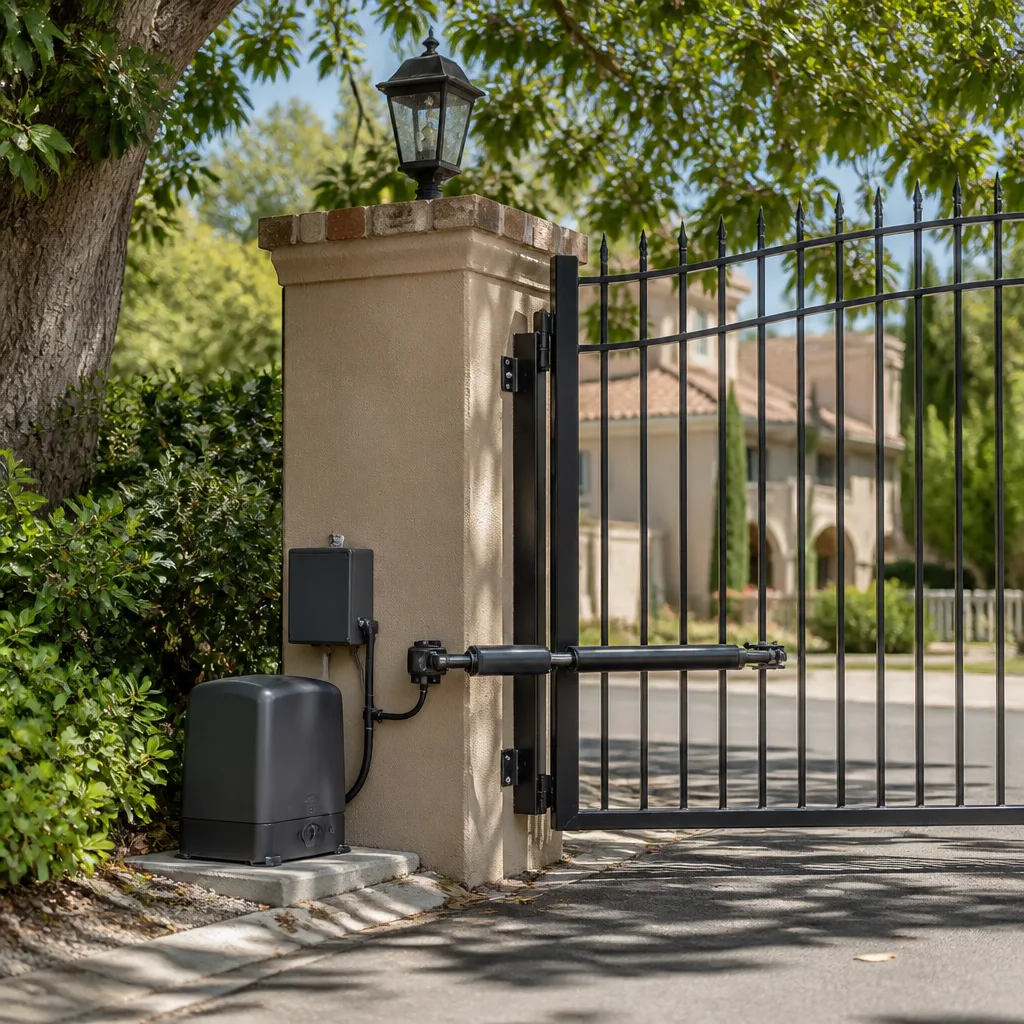
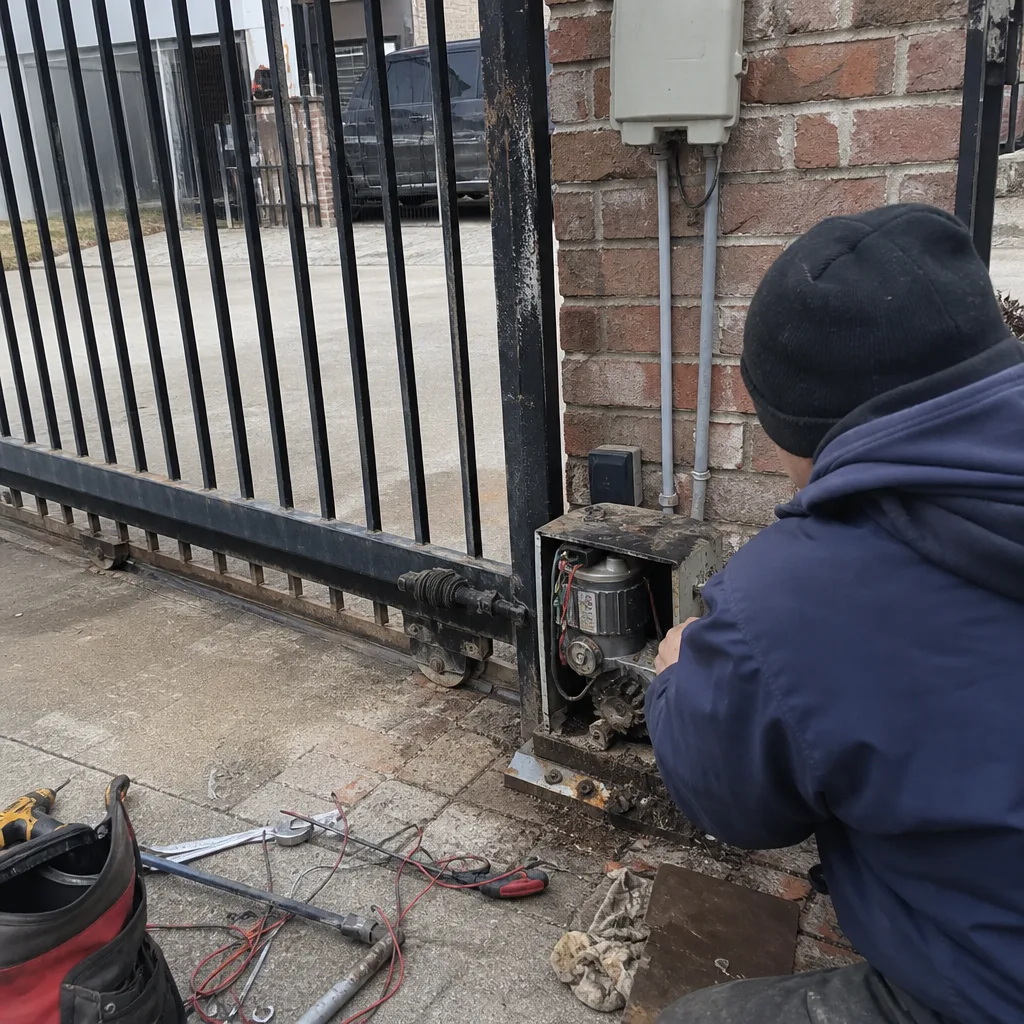 Before
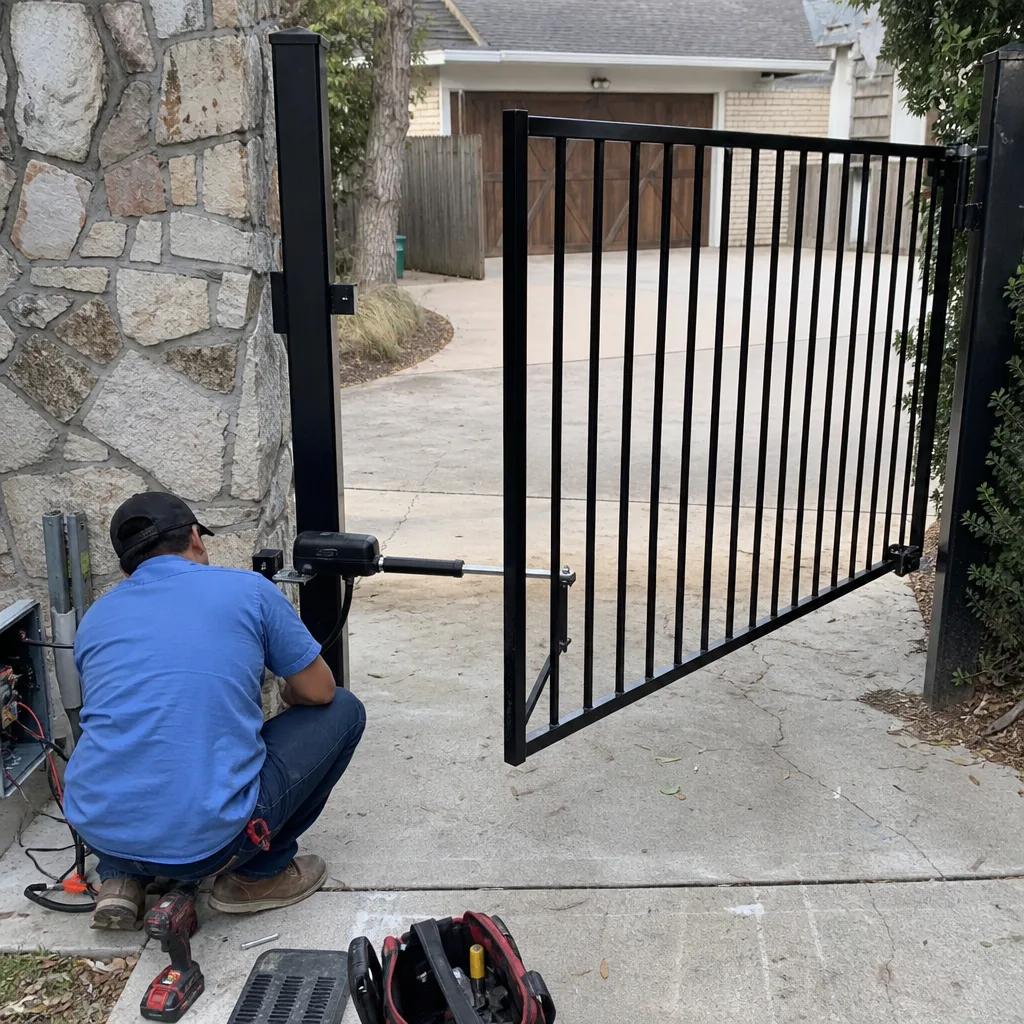 After
After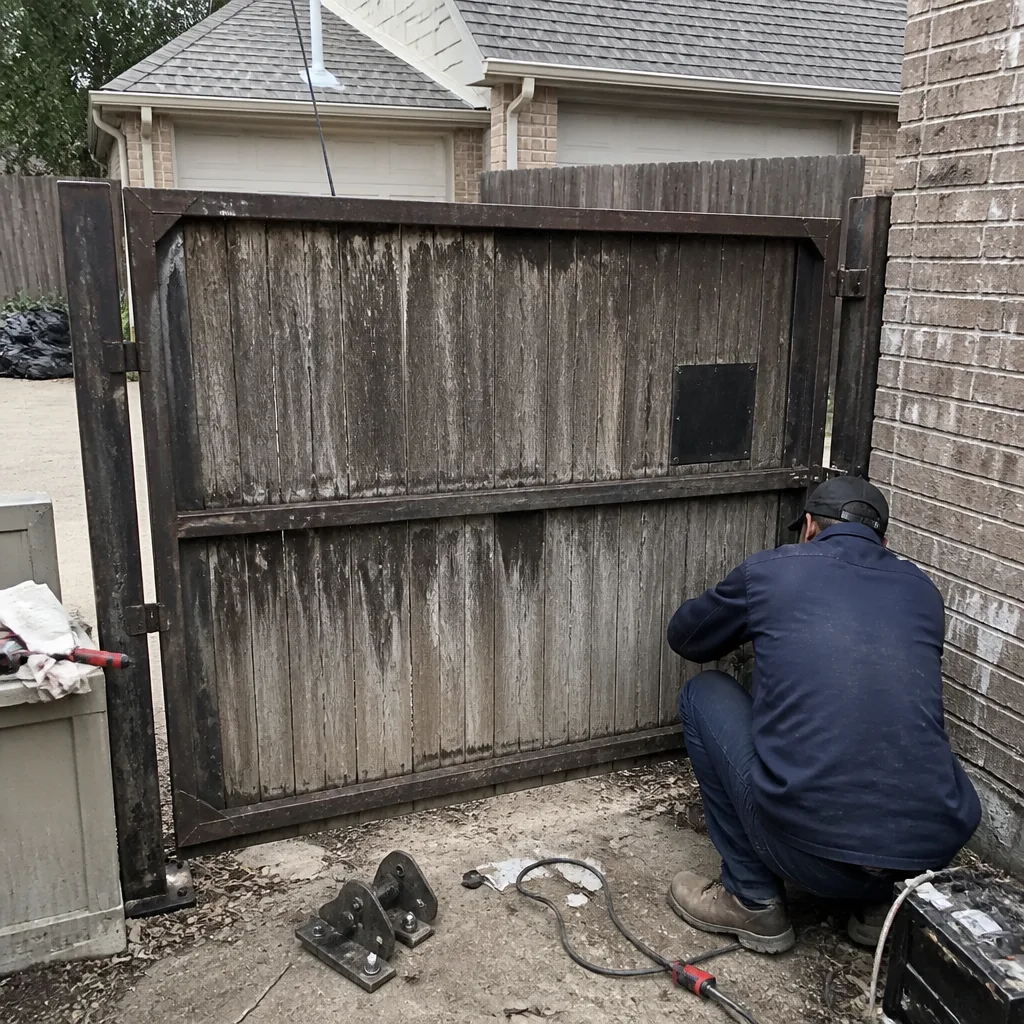 Before
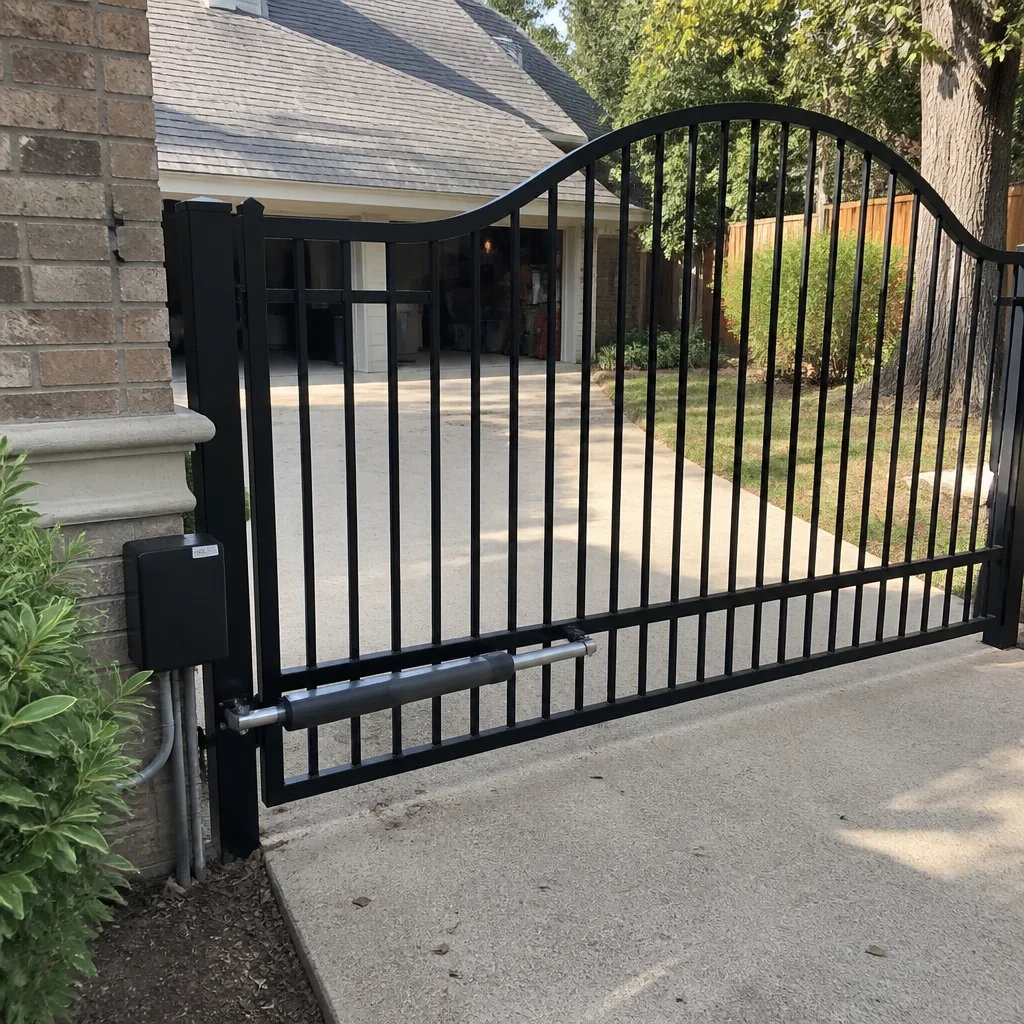 After
After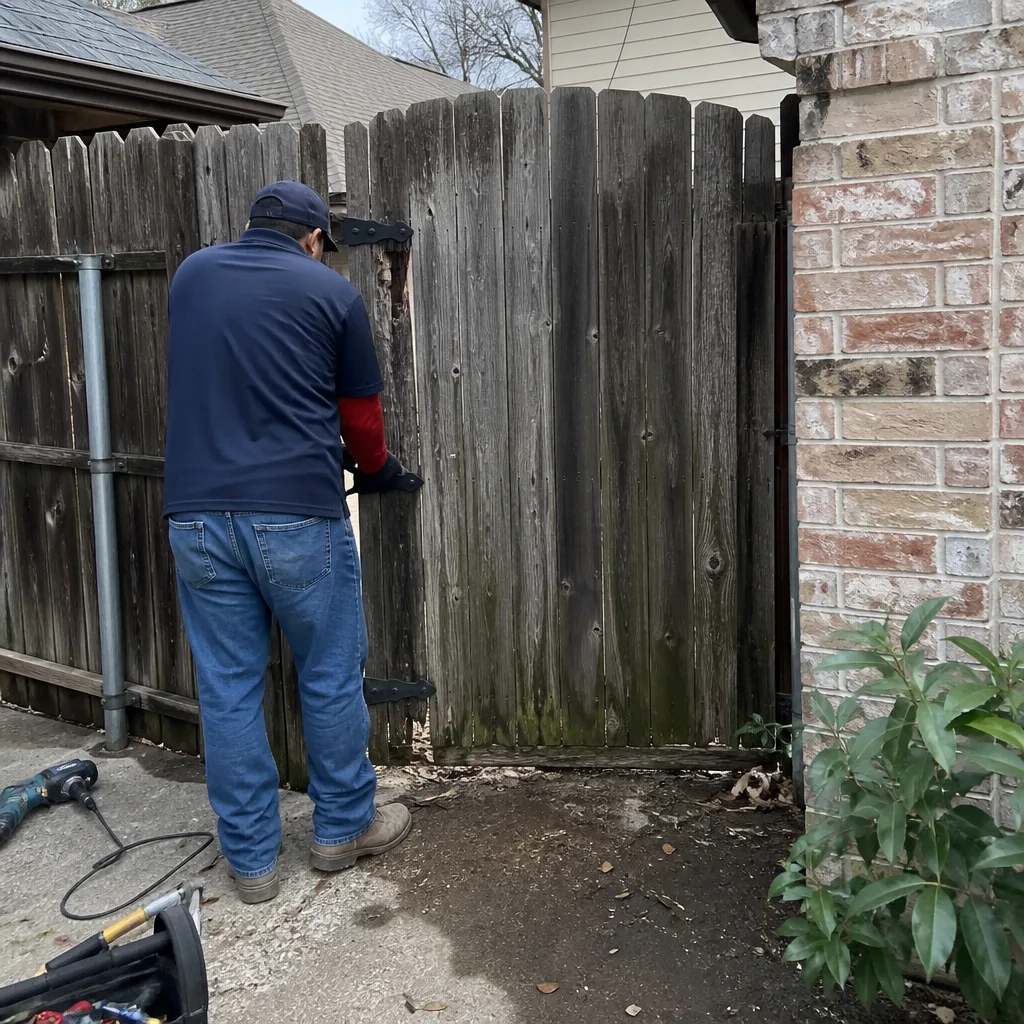 Before
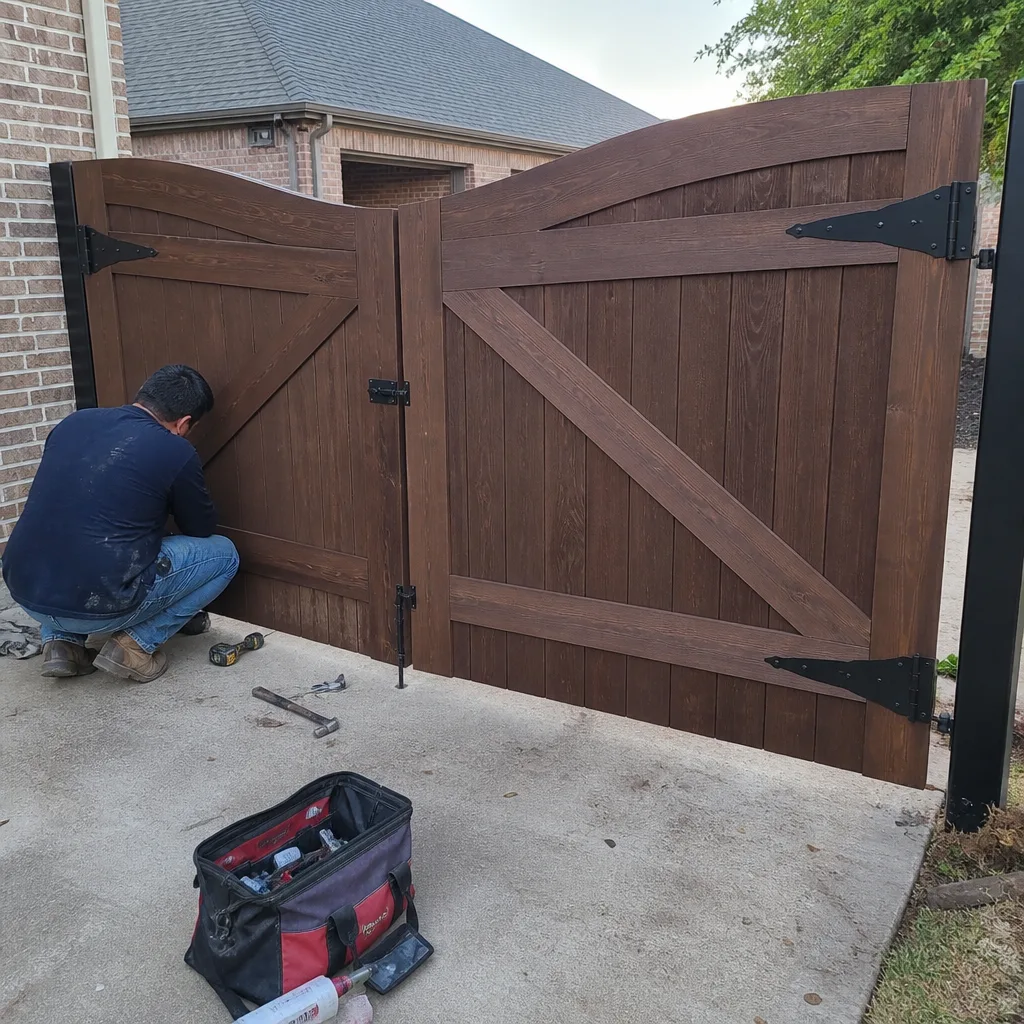 After
AfterGate Repair Warning Signs: A Carrollton Homeowner’s Reference Guide
A gate that hesitates two seconds before moving isn’t a nuisance. It’s an operator drawing elevated current to overcome resistance that is about to either burn out the motor or strip the drive gear, and those two outcomes have a $400 cost difference between them. Most warning-sign guides tell you what a failing gate looks like: slow movement, grinding noise, partial travel. They stop there. This guide goes further. We’ll map each observable symptom to the specific component producing it, explain the consequence of waiting, and give you the documentation habit that saves you from paying twice to rediscover the same problem. For seasonal gate repair care specific to Carrollton, see our year-round homeowner’s guide. Carrollton homeowners deal with clay soil, summer heat that bakes circuit boards, and security expectations that treat a gate as the first line of defense. Knowing what your gate is telling you changes everything about how fast you respond.
Quick Answer
A gate that moves slower than it did six months ago, grinds on startup, reverses mid-travel, or won’t respond to the remote is almost always showing you a specific component failure before it becomes a full breakdown. Slow movement points to the drive gear or motor drawing high current. Grinding is metal-on-metal wear in the gear train. Reversal mid-travel is usually a misaligned photo-eye or failing limit switch. None of these fix themselves, and each has a known gate repair cost in Carrollton that rises when you wait.
Table of Contents
- Symptom-to-Component Mapping: What Each Behavior Actually Means
- Limit Switch vs. Obstruction Sensor: Overlapping Symptoms, Very Different Repairs
- Reading the Sound: Grinding, Clicking, Humming, and Silence
- Using Your Operator’s Diagnostic LED Codes Before You Call
- What to Document When You Notice a Symptom
- How Carrollton’s Climate Accelerates Gate Wear
- The Cost of Waiting: Repair Cost vs. Replacement Cost by Component
- Common Mistakes to Avoid
- When to Call a Professional
- Frequently Asked Questions
BeforeAfterSymptom-to-Component Mapping: What Each Behavior Actually Means
Every observable gate behavior is a component talking to you. The challenge is that most homeowners describe symptoms in general terms (“it’s moving slow”) while the repair technician thinks in components (“the drive gear is losing teeth”). Here’s the mapping that closes that gap. We’ve built this from years of gate repair in Carrollton, and the patterns hold whether you have a Ghost Controls opener on a tube-steel gate or a DoorKing operator on an ornamental iron driveway gate.
| Observable Symptom | Most Likely Component | What’s Happening | Urgency |
|---|---|---|---|
| Gate opens 2-4 seconds slower than it used to | Drive gear or capacitor | The motor is pulling more current to overcome resistance. This is pre-failure, not normal wear. | High. You’re weeks, not months, from a stripped gear or burned motor. |
| Gate stops halfway, reverses, or reopens | Photo-eye, limit switch, or edge sensor | The operator believes something is in the path. It isn’t. One sensor is lying. | Medium. The gate still moves, but the protection system is compromised. |
| Gate hums but doesn’t move | Capacitor or motor winding | Power is reaching the motor, but the motor can’t start. The capacitor is the cheapest fix; the motor is the expensive one. | High. Running a stalled motor burns it out. |
| Gate moves, then stops with no error | Limit switch or travel setting | The operator thinks the gate reached its end of travel. The limit switch is set wrong or failing. | Medium. It works, but the switch is about to lose the setting entirely. |
| Gate won’t respond to remote at all | Receiver board or remote battery | Could be a $3 battery. Could be a $300 receiver board. Test the battery first. | Low to medium. Rule out the simple cause first. |
| Gate drifts or sags when closed | Hinge, wheel, or post | The gate’s weight is shifting. This is structural, not electronic, and it gets harder on the opener every day. | Medium. Structural issues compound and stress the operator. |
Notice the pattern: most symptoms point to a specific component, not a vague “the gate is broken.” That matters because component-level problems have component-level repair costs. A capacitor replacement on a Mighty Mule operator runs a fraction of a motor replacement. A limit switch adjustment costs far less than a new control board. The earlier you read the symptom correctly, the more options you keep.
Limit Switch vs. Obstruction Sensor: Overlapping Symptoms, Very Different Repairs
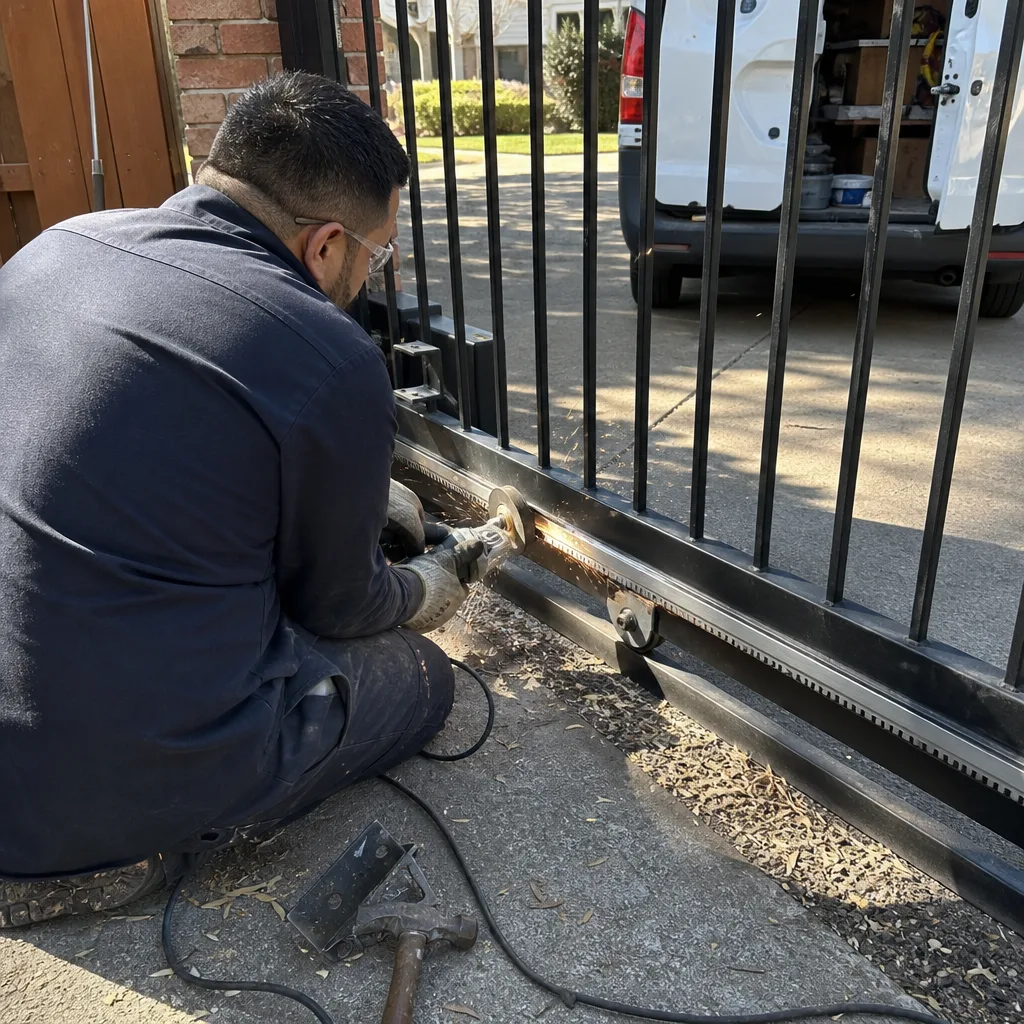
This is the confusion that costs Carrollton homeowners more money than any other. A limit switch problem and an obstruction sensor problem look almost identical from the curb: the gate stops partway, reverses, or refuses to complete its cycle. The repair cost, however, differs by several hundred dollars. Knowing the difference before you call a technician means you can describe the problem precisely, and you won’t be talked into a repair you don’t need. Our step-by-step guide on hiring a gate repair contractor in Carrollton shows exactly what to ask before anyone touches your operator.
The limit switch is the component that tells the operator where the gate is in its travel arc. It’s set to stop the gate at exactly open and exactly closed. When it drifts out of adjustment or fails, the operator gets false position data. The gate stops short because the operator genuinely believes it has reached the end of travel. The photo-eye (the infrared beam that stops the gate if something crosses the path) does something different: it detects obstruction. When misaligned by even two inches, it reports an obstruction that isn’t there.
Here’s the diagnostic distinction:
- Limit switch symptom: The gate stops at the same wrong spot every time. Same place, same behavior. It doesn’t matter if someone is standing near the gate or not.
- Obstruction sensor symptom: The gate stops unpredictably, or only reverses when sunlight hits the photo-eye at a certain angle, or only when leaves blow across the path. The behavior varies with the environment.
- Limit switch repair cost: Typically an adjustment call. The technician resets the switch position, tests full travel, and photographs the new setting. This is a service call, not a parts replacement, unless the switch itself is physically broken.
- Obstruction sensor repair cost: Depends on whether the sensor can be realigned or must be replaced. Realignment is quick. A failed photo-eye on an Elite operator might be a $120-$180 part. A failed edge sensor on a Viking system can run higher.
In our experience, roughly a third of the calls we take for “the gate reverses for no reason” turn out to be limit switch drift on operators older than five years. The switch wears, the setting creeps, and the gate gets confused. It’s one of the cheapest fixes in the trade, and one of the most commonly misdiagnosed by homeowners as a sensor or board problem.
Reading the Sound: Grinding, Clicking, Humming, and Silence
Your gate talks. The sounds it makes are diagnostic data, not random noise. Here’s what each one means and when it crosses from “keep an eye on it” to “call today.”
Grinding is metal-on-metal contact in the gear train or the chain. It means lubrication has failed or a gear tooth is already chipped. A gate that grinds on startup then quiets down is showing you a drive gear losing its edge. Once the grinding is constant, the gear has failed and will need replacement. On a Ghost Controls opener, the drive gear is serviceable. On an older DoorKing operator, the internal gear train may be more involved. The cost of addressing grinding early versus late is the difference between a gear replacement and a full operator replacement.
Clicking usually comes from the relay on the control board or the contactor on larger operators. A single click when you press the remote, followed by nothing, means the board is trying to engage but the circuit can’t complete. It could be a capacitor, a wiring fault, or a failed relay. Multiple rapid clicks are almost always the board telling you it detects a fault condition. Note the click pattern. It’s useful data for any technician, and it’s free to observe.
Humming without movement is the most urgent audio cue. The motor is getting power but can’t turn. Every second it hums, it heats the motor winding. A humming gate that’s left powered can burn out a motor in under a minute. If you hear humming, kill power to the operator at the breaker or disconnect and call a professional. This is not a “watch it for a week” symptom.
Silence when the remote is pressed means the command never reached the operator. Before you do anything else, check the simplest causes: the remote battery, the operator’s power, the breaker on the circuit. If all three are fine, the receiver board may have failed, and that’s a component-level diagnosis we can make quickly. Silence is frustrating, but it’s the least damaging audio cue: it usually means nothing is trying to move and nothing is wearing itself out.
Quick audio-reference list:
- Grinding = gear train wear. Call before the gear strips.
- Clicking = relay or capacitor fault. Note the pattern, then call.
- Humming = stalled motor. Kill power immediately and call today.
- Silence = power or receiver issue. Check remote battery and breaker first.
Using Your Operator’s Diagnostic LED Codes Before You Call
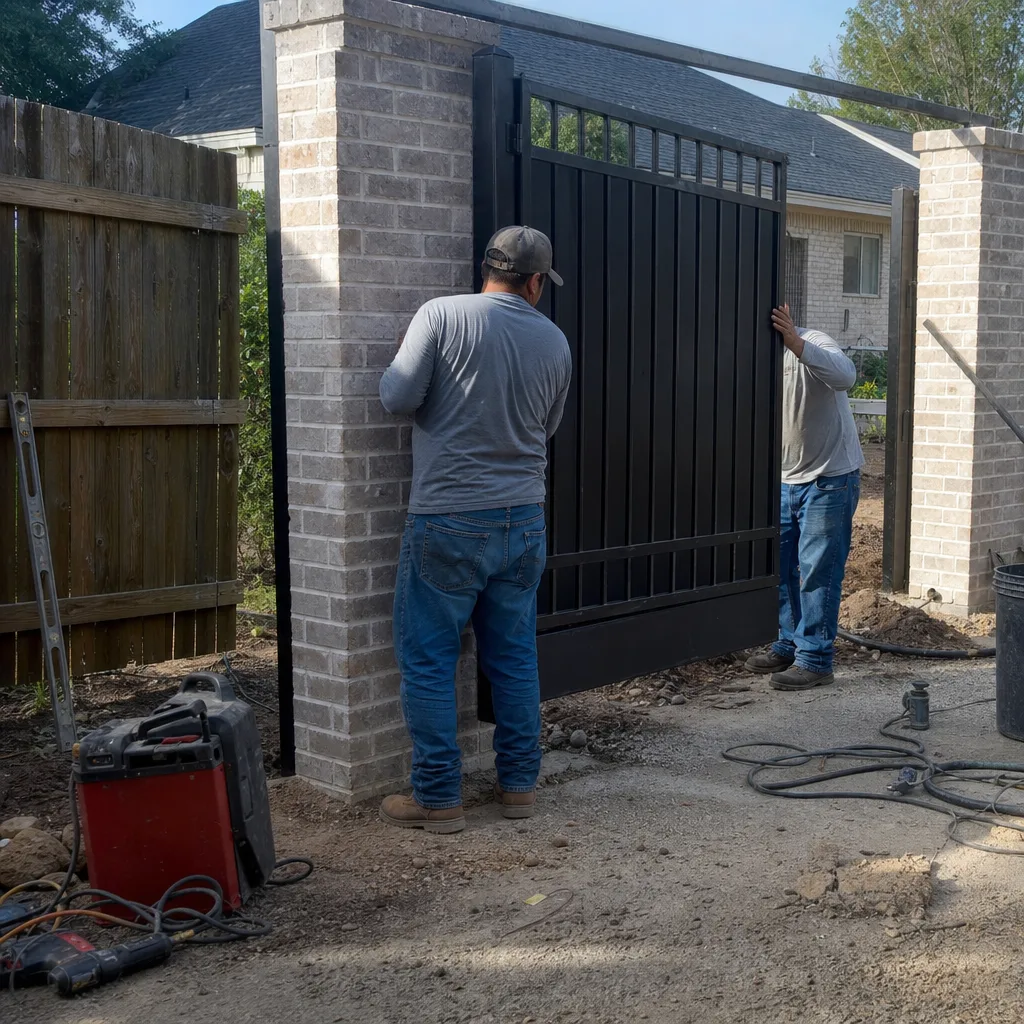
Most modern gate operators have a diagnostic LED that blinks in specific patterns to report faults. This is the manufacturer’s own troubleshooting system, built into the board, and it narrows the problem before anyone shows up. A homeowner who reads the LED code and includes it in the call saves a diagnostic step, and sometimes a diagnostic fee.
Here’s the process we recommend for reading diagnostic codes on common operator brands in Carrollton:
- Locate the control board. The operator housing (the box attached to the gate or gate post) opens with a key or a single screw. The board is mounted inside with a small LED visible on the surface.
- Trigger the gate. Press the remote or the manual control button once. The LED will flash in a pattern: a number of quick flashes, a pause, then the pattern repeats.
- Count the flashes. Two flashes means something specific to that manufacturer. Four flashes means something else. Write down the exact pattern, including the pause rhythm.
- Check the brand chart. LiftMaster and DoorKing publish flash-code charts in their manuals. Ghost Controls and Mighty Mule use similar systems with slightly different code meanings. If you don’t have the manual, the code itself is still useful to us.
- Call with the code. When you call gate motor and opener service, “the LED flashes three times, pause, three times” tells us more than “the gate is acting weird.” We arrive with the right parts and a clear diagnostic plan.
One caution: don’t open the operator housing if you’re not comfortable with low-voltage wiring. The housing contains line voltage in many installations. A flash code is useful, but not worth an electrical hazard. If you’d rather not open the box, photograph the operator model number from the outside and call us. We’ll read the code on site.
What to Document When You Notice a Symptom
The single most valuable thing a Carrollton homeowner can do when a gate starts acting up is document the symptom before calling. It costs nothing, takes under five minutes, and gives the technician context that a verbal description can’t match. We practice this on every job, and we recommend the same habit to our customers. Here’s the sequence we suggest:
- Video the behavior. Prop your phone against a fence post or hold it steady. Record the gate from full closed to full open, including the sound. Ten seconds of video showing a gate stopping at the same wrong spot is better than any description.
- Photograph the operator label. The model number and brand are printed on the operator housing or the control box. A clear photo eliminates guesswork.
- Note the sequence of events. Did the symptom start after a storm? After a power outage? After the gate was hit by a car? These sequence details matter: power surges after outages are a common cause of board failure in Carrollton neighborhoods with overhead lines.
- Note the temperature and time of day. Heat affects electronics. A gate that fails only in the afternoon heat of July is telling you something about a heat-sensitive component.
- Write down the LED flash pattern if you’ve read it, per the section above.
This documentation habit mirrors our own The Haven Standard practice. Under Clause 4 (Evidence on every job), we leave a photographed record of what was found, what was adjusted, and what was replaced on every visit. Your pre-call documentation is the homeowner’s equivalent: it means the technician starts with evidence instead of starting from zero.
How Carrollton’s Climate Accelerates Gate Wear
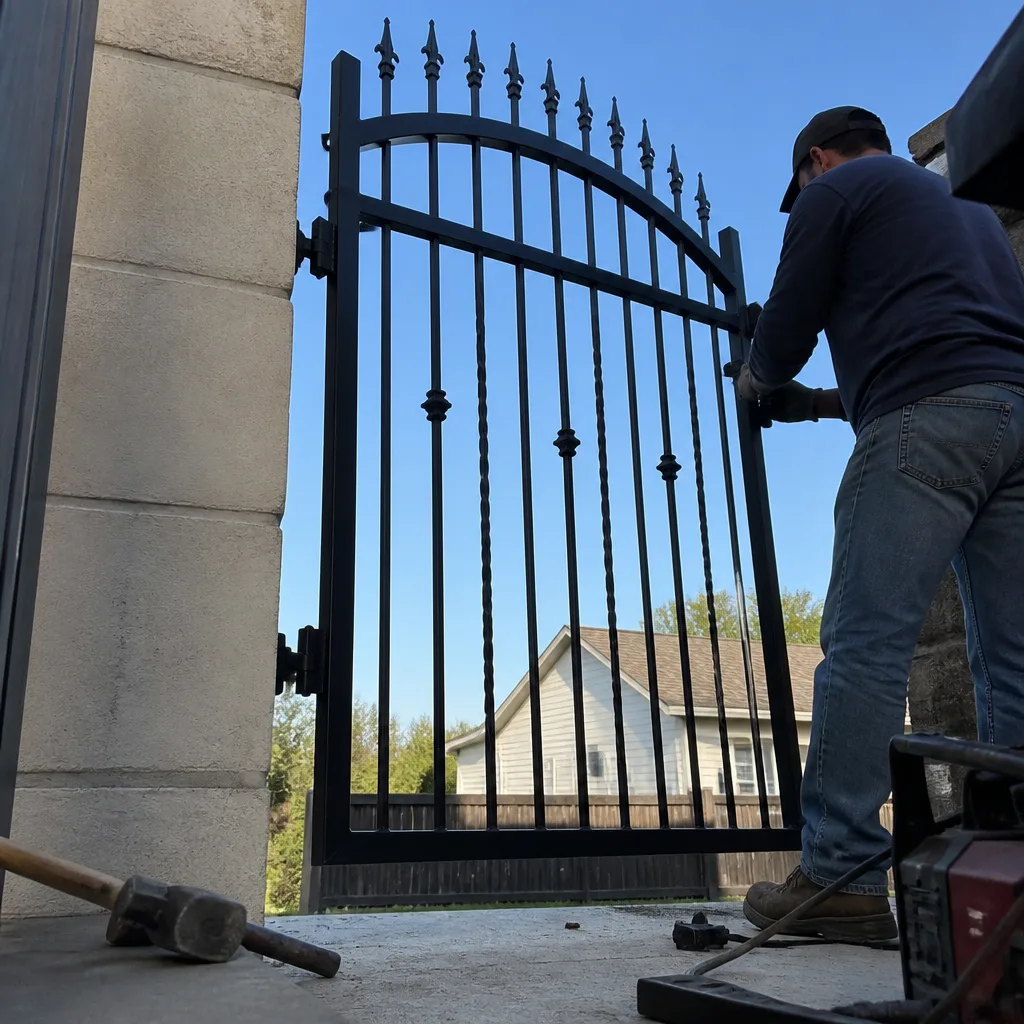
Carrollton’s specific climate does predictable things to gate components, and knowing which parts fail here, and when, helps you read symptoms correctly.
Summer heat above 100 degrees bakes control boards and capacitors. Surface temperatures inside an operator housing can exceed 140 degrees on a July afternoon. Electronics rated for 120 degrees degrade faster. This is why we see more capacitor and board failures in August than any other month. A gate that works fine at 8 a.m. and fails at 3 p.m. is showing you heat-related electronic failure, not a mechanical problem.
North Texas clay soil expands and contracts with moisture. When dry, it pulls away from posts. When wet, it swells. A gate that sags in August and levels out in October has a post that’s moving with the soil, which stresses every hinge and wheel on the gate. This is structural, and it accelerates opener wear because the operator is now fighting a gate that no longer swings true.
Spring storm season brings power surges and lightning strikes. A gate that worked before a thunderstorm and failed after it has likely suffered surge damage to the control board. Carrollton homeowners on overhead power lines see this more often than those on buried service. If your gate stops working right after a storm, note that when you call. It changes the diagnostic starting point.
All of this is specific to our area. A new gate installation in Carrollton, done properly, accounts for this soil and this heat. A repair that ignores them just resets the clock on the same failure.
The Cost of Waiting: Repair Cost vs. Replacement Cost by Component
The financial pattern in gate repair is consistent: every component has a repair-cost window, and beyond that window the repair becomes a replacement at triple the price. Here’s the line-item reality for the most common failures we see in Carrollton.
- Capacitor: $15-$45 part. If caught early, a humming-but-stuck gate is a capacitor swap. If you let the motor hum for weeks, the same starting problem becomes a motor replacement: $300-$600 depending on the operator brand. Cost of waiting: roughly $400.
- Drive gear: $80-$150 for the gear itself on most residential operators. If grinding is ignored until the gear strips completely, the shaft or the operator housing may be damaged: $450-$900 for a full operator replacement. Cost of waiting: $400 plus.
- Limit switch: An adjustment call, typically under $150 including labor in Carrollton. If ignored, a failed limit switch lets the gate over-travel, which bends the gate or breaks the opener mount: $300-$1,000 to repair structural damage. Cost of waiting: the widest range in the trade, because it depends entirely on what the over-traveling gate hits.
- Photo-eye: Realignment is often a service call. A failed photo-eye part is typically $120-$180 on Elite or DoorKing systems. If bypassed or ignored, the gate operates without obstruction protection, which is a safety risk and a code violation for any automated gate.
- Hinges: $40-$90 per hinge if addressed while the gate still aligns. If the gate is allowed to sag for a year, the post may need resetting in concrete: $400-$900. Cost of waiting: the difference between a hardware replacement and a foundation repair.
The pattern holds across every component. The price you pay for waiting is almost never the difference between a small repair and the same repair later. It’s the difference between repairing a component and replacing the system it damaged. We write the price before we start every job, so you always know which side of that line you’re on before you decide.
Common Mistakes to Avoid
- Lubricating a grinding gate without diagnosing. Spraying lubricant on a gate that’s already grinding masks the sound for a few days and lets the gear wear continue. Lube is preventive, not corrective. If it’s grinding, the damage is already in motion.
- Leaving a humming gate powered. Every second a stalled motor gets power, the winding heats. We’ve seen motors destroyed in under a minute. Kill the power first, always.
- Replacing the remote battery, then the remote, then calling. If two remotes fail at once, the remotes were never the problem. A receiver board failure is the likely culprit, and batteries won’t fix a board.
- Adjusting the limit switch without marking the original position. This is the most common DIY error we see. If you move the limit switch without recording where it was, the technician can’t restore the baseline and the job takes longer. Mark first, move second, or don’t move at all.
- Ignoring a seasonal symptom because it “went away.” A gate that fails only in summer heat will fail again next summer, and the component will be weaker for the thermal cycling. That’s a repair deferral, not a repair.
- Watching a sagging gate for months. A gate that drifts out of alignment is pulling on its hinges every hour it hangs there. The longer it sags, the more likely the post, not the hinge, becomes the problem.
- Calling for a quote but not asking for it in writing. A verbal number isn’t a price. Under Haven Standard Clause 1 (Have it in writing), every price we give is written on the page before work starts. If another company won’t write it down, that itself is information.
When to Call a Professional
Some symptoms are safe to watch briefly: a remote that needs a battery, a photo-eye that’s visibly misaligned but the gate still operates, a limit switch that’s drifting but predictable. Other symptoms are not. Call a professional immediately if your gate hums without moving, grinds constantly, moves unpredictably in a way that could harm a person or pet, or fails to stop at its limits. A gate that can’t be trusted to stop is a safety issue, not a convenience issue. Vance Gate Repair Carrollton offers free estimates in Carrollton. Call (817) 778-4585 and a live person answers, day or night. We’ll send a background-checked, uniformed technician with a name and photo provided before arrival, and you’ll get a written price before any work starts.
Frequently Asked Questions
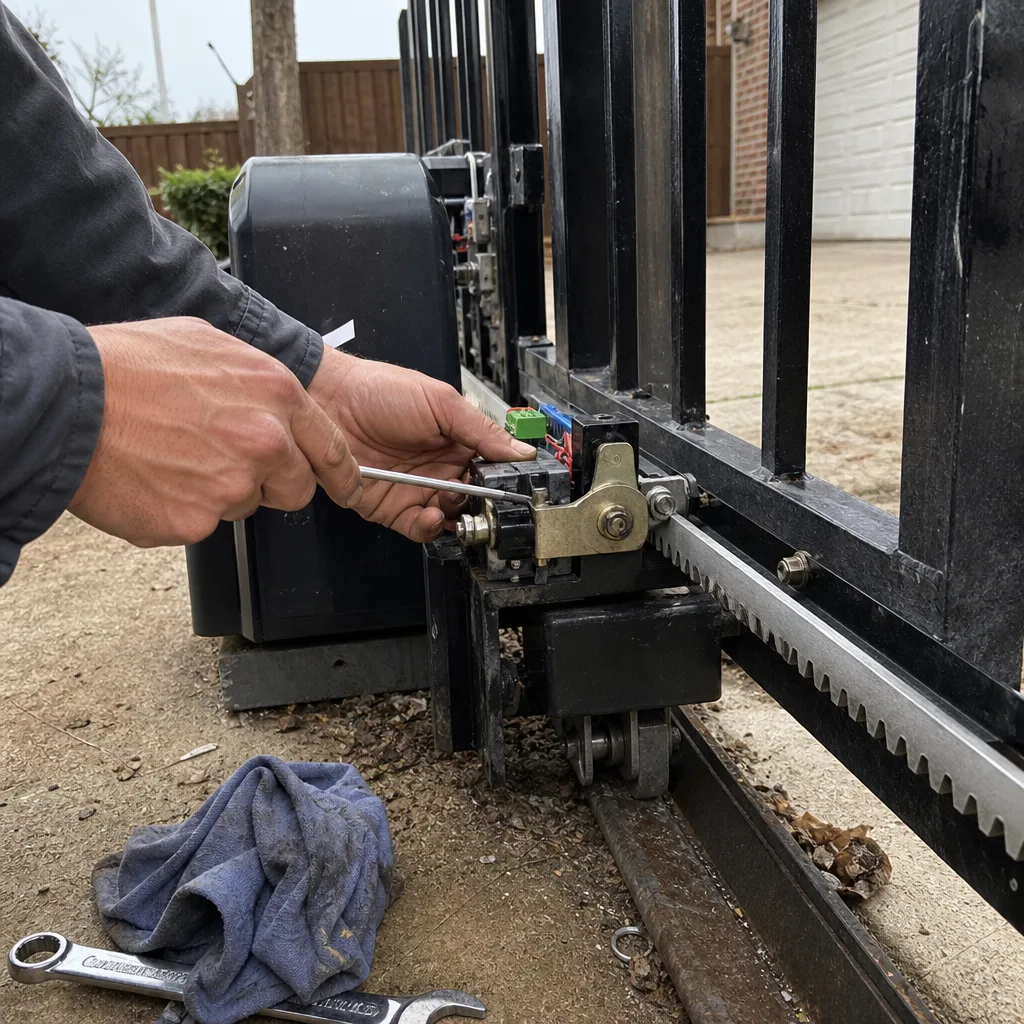
The most common warning sign we see in Carrollton is a gate that moves noticeably slower than it did when installed, usually caused by drive gear wear on residential operators like Ghost Controls or Mighty Mule systems. The motor pulls more current to overcome the resistance, and if it isn’t addressed, the gear strips and the repair becomes an operator replacement. If your gate has been slowing down for more than a few weeks, call (817) 778-4585 for a written quote before the gear fails.
Most residential gate repairs in Carrollton run between $150 and $600 depending on the component, with capacitor and limit switch adjustments on the low end and motor or board replacements on the high end. Every job we do includes a written price before work begins, so there’s no surprise at the end. Call (817) 778-4585 and describe the symptom: we’ll give you a realistic range on the phone.
For most repair issues (as opposed to new installations), yes. We carry common parts for LiftMaster, DoorKing, Elite, Ghost Controls, and other brands on our trucks, and a live person answers calls 24/7 so you can schedule a same-day repair without waiting through a voicemail queue. Call (817) 778-4585 and we’ll tell you over the phone whether your issue is likely a same-day fix.
A gate that opens partway then stops or reverses is usually reporting a false obstruction from a misaligned photo-eye or a failing limit switch that’s giving the control board incorrect position data. The two problems look similar from the curb but cost different amounts to repair, and the distinction requires a quick component-level check. Document the behavior on video and call (817) 778-4585: that footage tells us which path to investigate first.
We service nine major gate-automation brands including DoorKing, Elite, Ghost Controls, and Mighty Mule, and we repair the operator you already have rather than steering you toward a replacement when a repair is the right call. Replacement only comes up when a repair genuinely costs more than the operator is worth, and that’s always your decision based on a written price. Bring us any written estimate from another company and we’ll review it at no charge.
Record the sound, note when it happens (on startup, mid-travel, only in heat), and call us with that information. Grinding is gear wear that gets more expensive the longer it runs. Clicking is usually a relay or capacitor reporting a fault. Humming is a stalled motor and requires immediate power shutoff. Each sound has a different urgency, and a ten-second video helps us tell you which one you’re dealing with before we arrive.
The Bottom Line
Your gate tells you exactly what’s wrong if you know how to listen. Slowness means the drive gear is working too hard. Grinding means metal is wearing metal. Reversal means a sensor or switch is confused about where the gate is or what’s in its path. Silence means the signal or power never arrived. None of these self-resolve, and each has a repair-cost clock that ticks toward a more expensive replacement. Document what you see, note the LED codes and the sequence of events, and call a professional who writes the price down before the first tool comes out. Browse our more guides & resources for additional troubleshooting help. In Carrollton, that’s us: (817) 778-4585, a live person on the line, and a written quote on every job.
Written by Adrian Vance, Owner at Vance Gate Repair Carrollton, serving Carrollton since 2014.